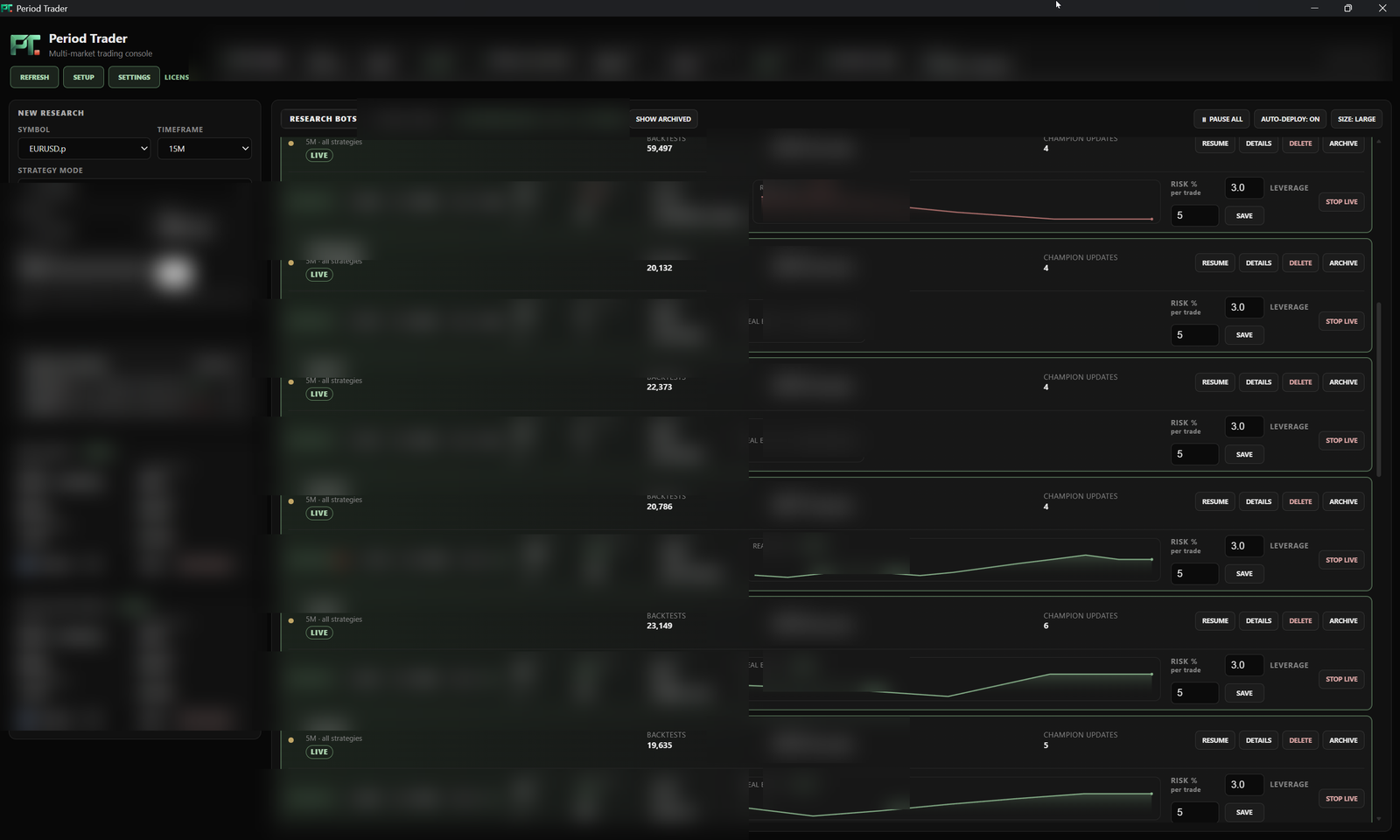
Setup guide
From download to first run.
Six steps. No account needed to download — you sign in with Whop inside the app and pick Free or the Pro trial there.
The plan screenshot shows the real website page with an illustrative signed-in session. Your screens may differ by version.
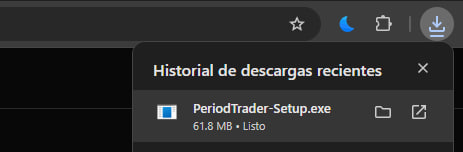
Download the installer
Click Download free on the pricing page, or Download installer just below the plans. You get PeriodTrader-Setup.exe, the Windows installer for the desktop app. You do not need an account to download it.
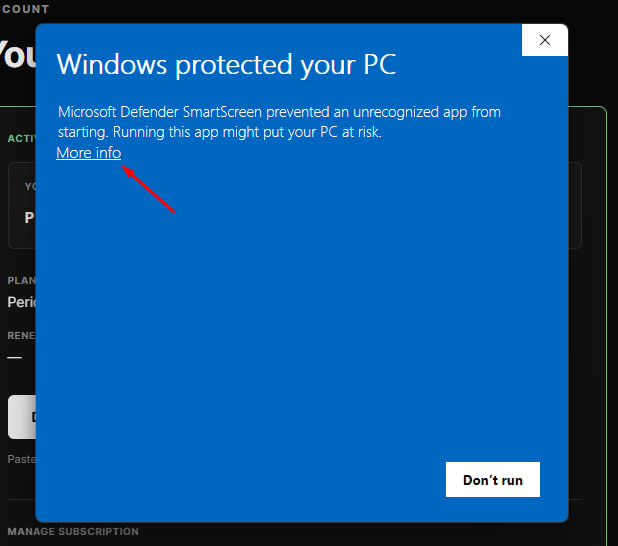
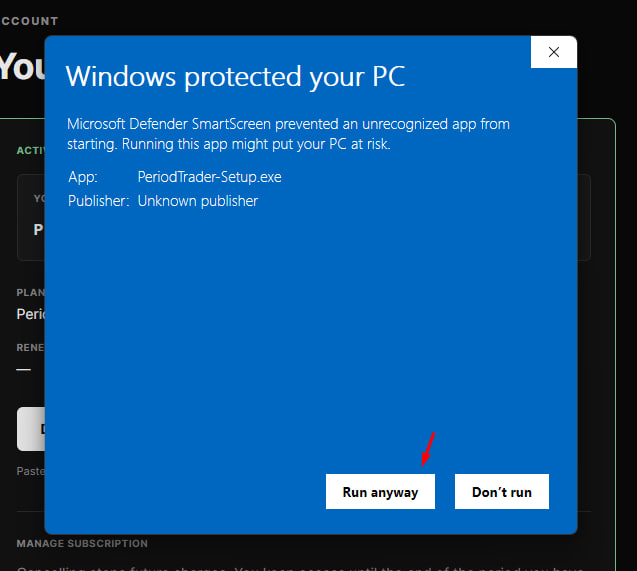
Run it even if Windows warns
Windows shows “Windows protected your PC” for any new app that is not widely downloaded yet. Click More info, then Run anyway.
Install
Pick a language and keep the defaults. The installer works like any other Windows program.
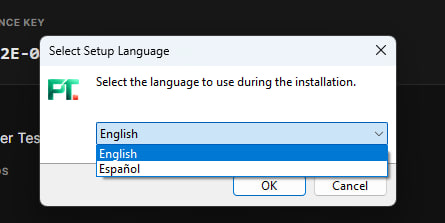
Sign in with Whop in the app
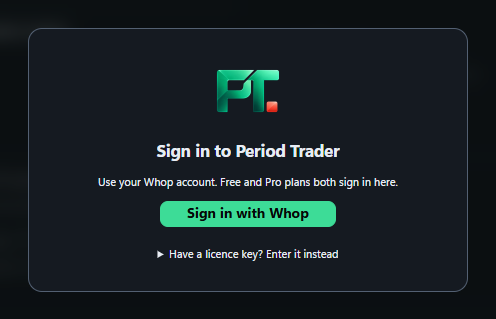
Open Period Trader. On the sign-in screen, click Sign in with Whop. Your browser opens this site, where you sign in with your Whop account. If you do not have a Whop account yet, signing in creates one.
Already have a licence key? It still works. On the app’s sign-in screen, open “Have a licence key? Enter it instead”, paste your key and click Activate.
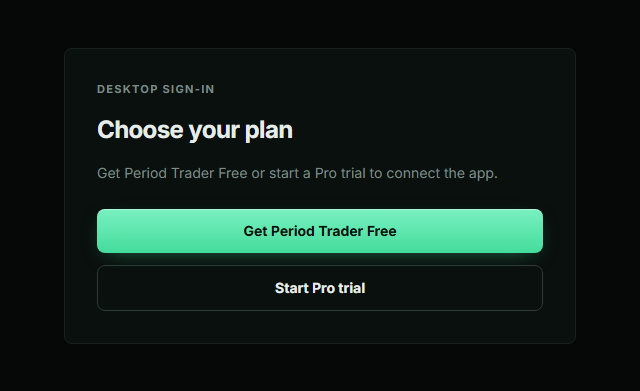
Pick Free or start the Pro trial
If your Whop account has no plan yet, the browser shows Choose your plan. Pick Get Period Trader Free ($0) or Start Pro trial (14 days free, then $24.99 USD per month unless you cancel), and finish on Whop. Then click Connect. If you already have a plan, you go straight to Connect.
You're in
The browser confirms that Period Trader is connected, so you can close the tab and go back to the app. Free includes the chart and manual trading, MT5, Binance and Bybit connections, account risk guards, the Trade Journal and 1 research bot you can deploy. Upgrade to Pro anytime from the app.
That is the whole install
Next: connect your accounts and start a research run.
On Free you can trade from the chart on your connected brokers and exchanges, set your risk guards, keep a Trade Journal and run one research bot on your PC. Want more? Upgrade to Pro from the app for unlimited research bots, the AI assistant and AI indicators, and Decision AI.
Go to your account